
TV Pro Mediathek: 50.000 Sendungen in einer App
Die Über-Mediathek mit über 50.000 Sendungen und Clips aus allen Free-Mediatheken der Fernsehsender. Nie mehr suchen: redaktionell ausgesuchte Leckerbissen des Fernsehens, sortiert in vielen Themen. Nie wieder langweilig: jeden Tag neue Highlights.
TV Pro Mediathek kostenlos laden und testen
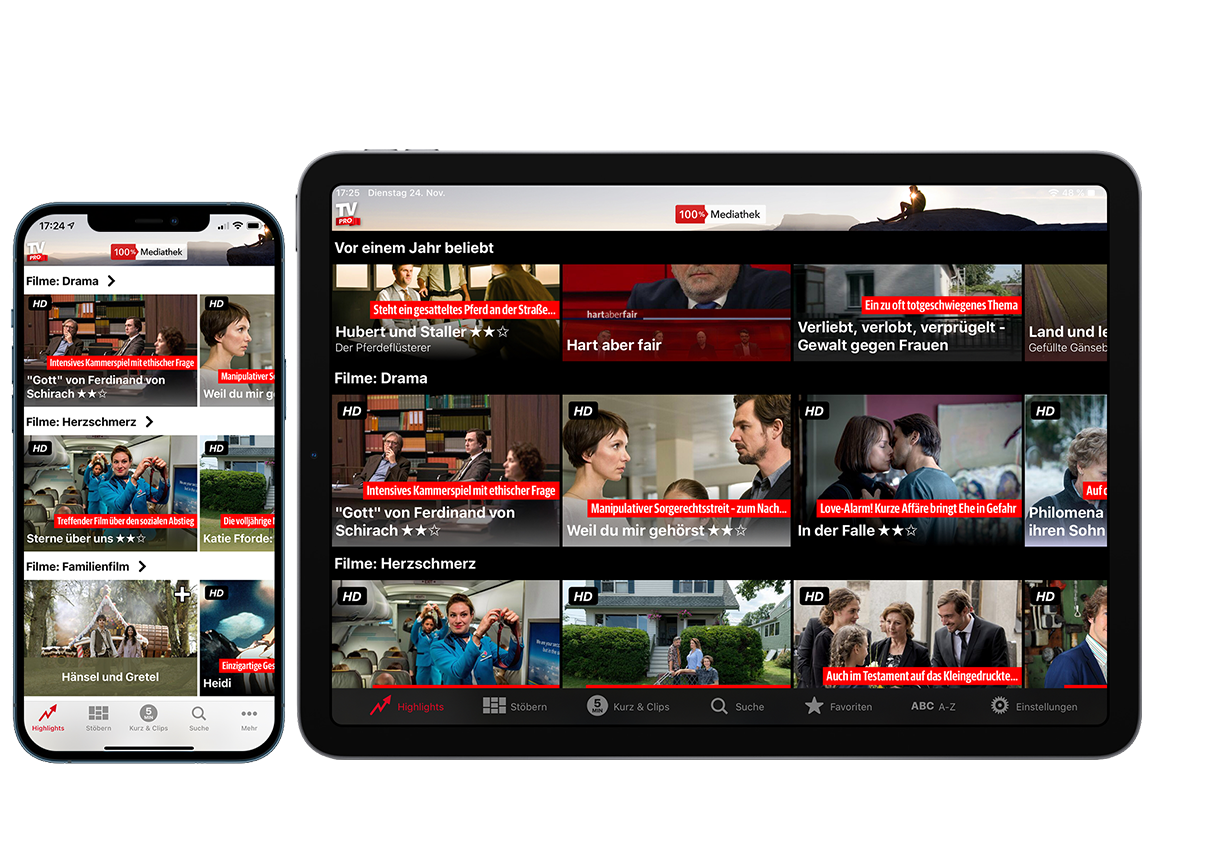
iPhone & iPad
Auf iPad & iPhone unterwegs TV-Mediatheken-Hits streamen und sogar offline ansehen.
Quality TV jetzt mitnehmen >

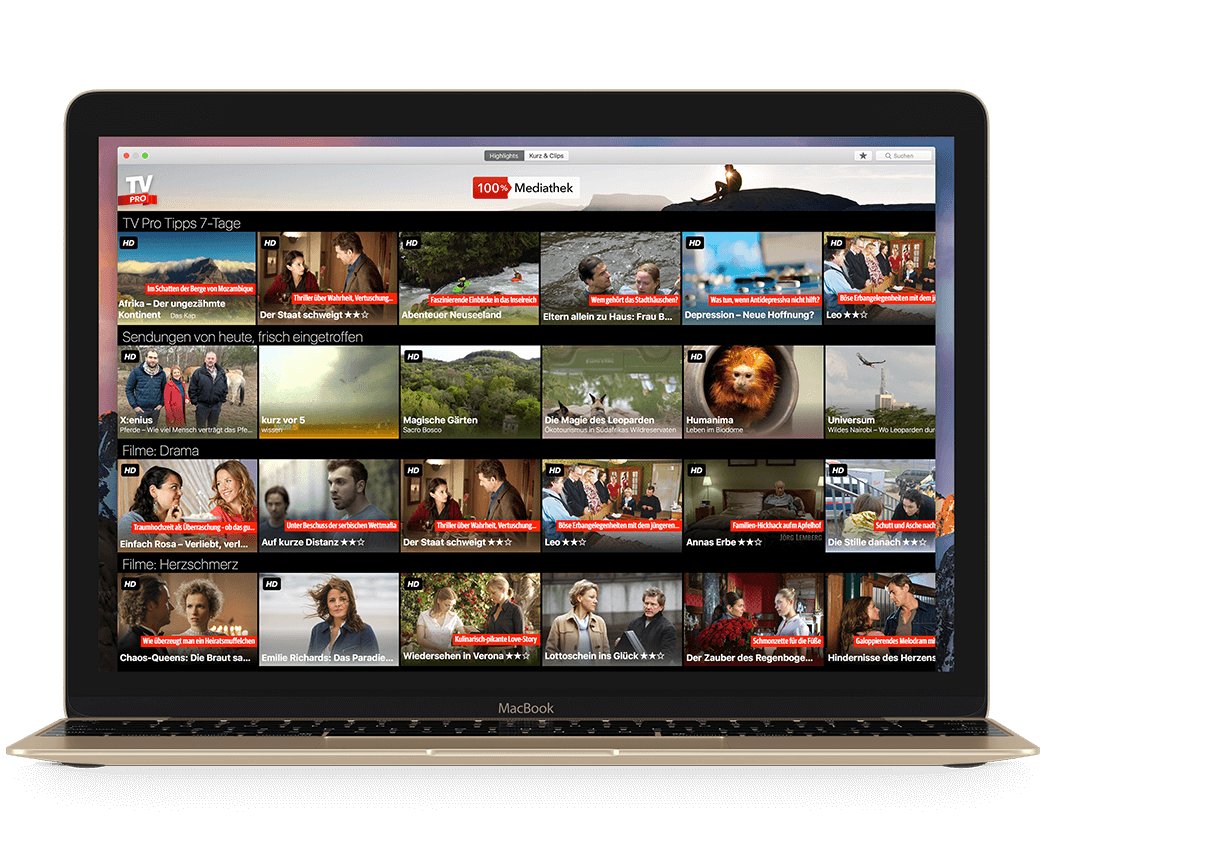
Mac
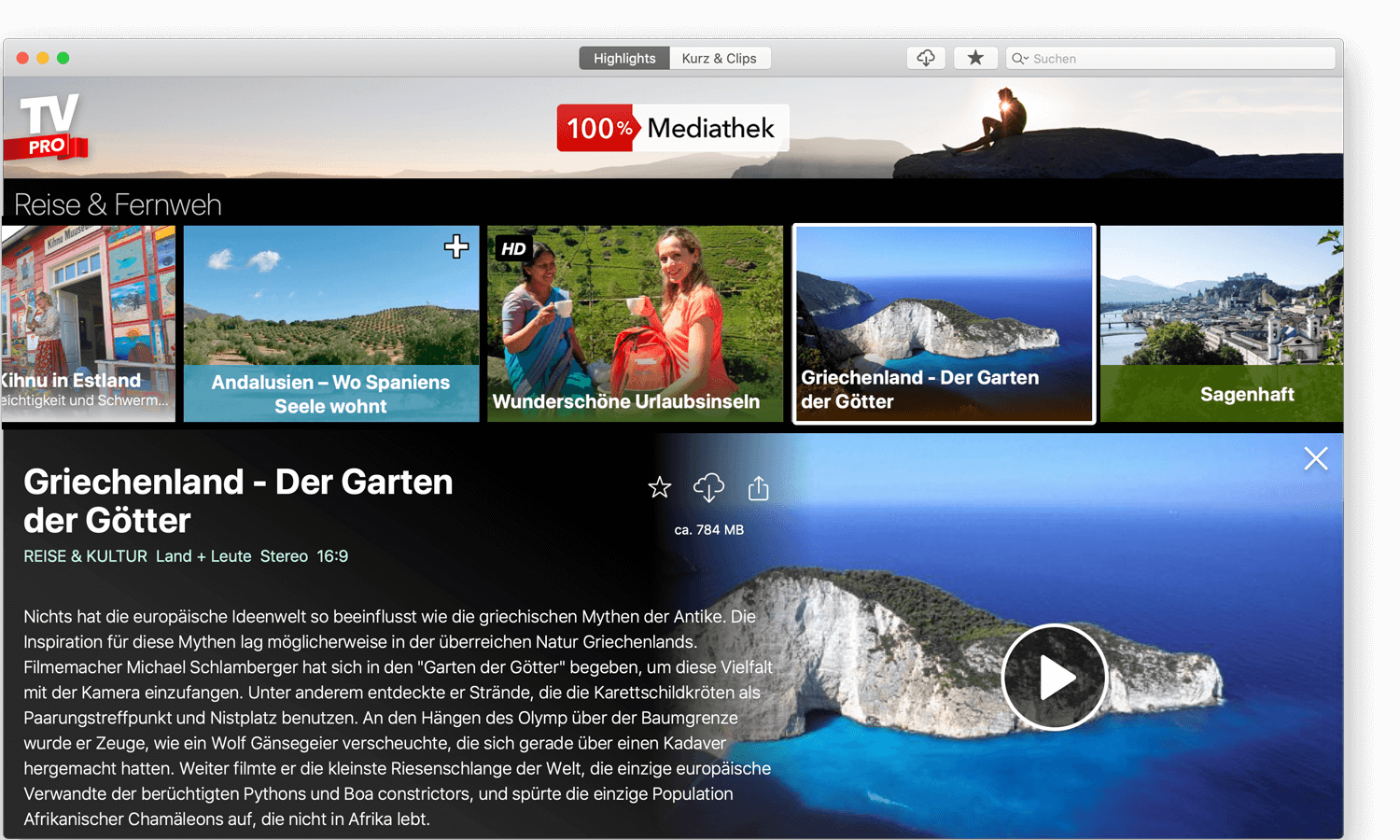
Mediatheken Content am Mac sehen. Inkl. Profi-Suche & Detail View im Cinema-Style.
Nichts mehr verpassen >
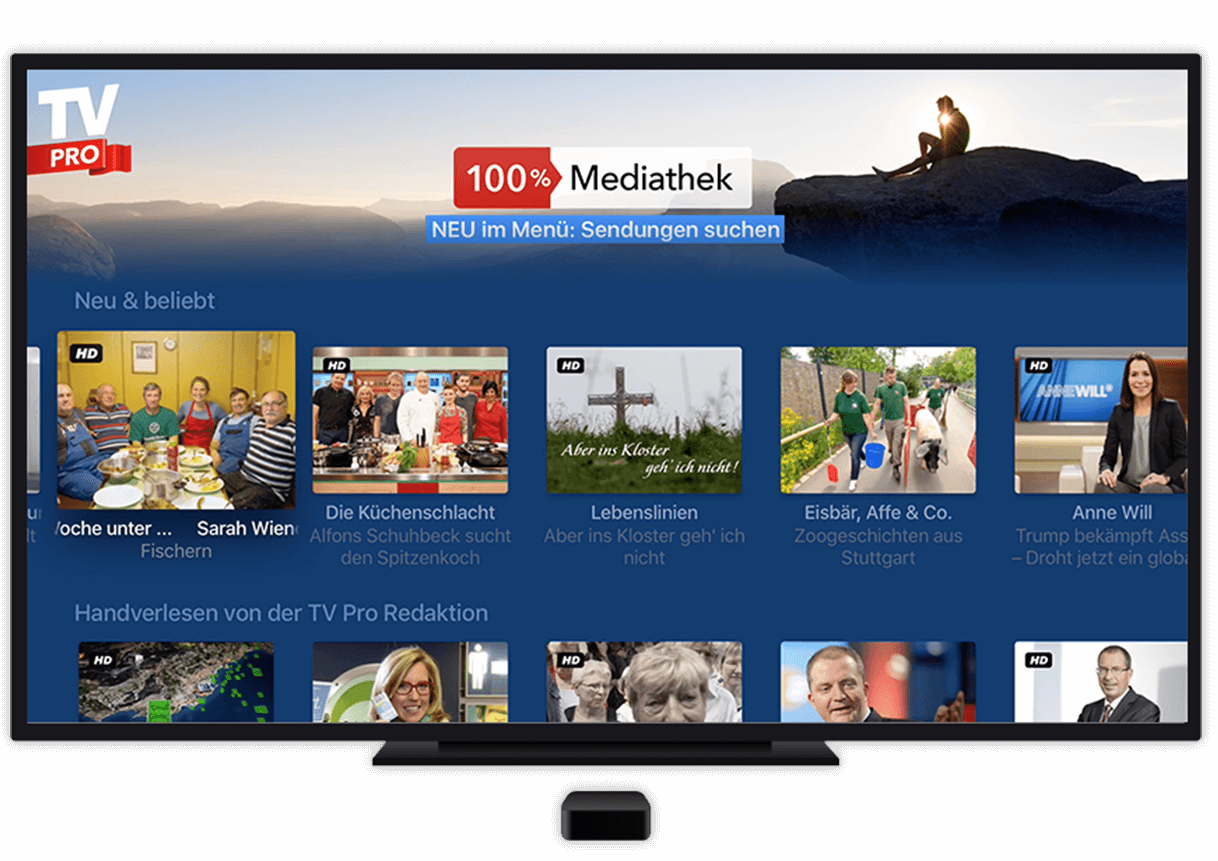
Apple TV
Highlights der Top-Mediatheken via Apple TV auf deinen Wohnzimmer-Flatscreen holen.
Mach’ deine Fernsehcouch klar >
Ab € 1,25 mtl. – aber warum auf tvproapp.de kaufen?
Deine Vorteile
- Alle TV Pro Produkte (TV Pro, Live TV, TV Pro Mediathek) verwaltest du leichter mit deiner TV Pro ID als im App Store.
- So sind wir dein direkter Ansprechpartner und können helfen. Auf App Store Daten von Apple haben wir dagegen keinen Zugriff.
- Du bekommst alle Features über deine TV Pro ID.
- Füge schneller neue Geräte mit der TV Pro ID hinzu.
- Werde schneller über neue Features & Updates informiert.
Die Top-Features von TV Pro Mediathek
- Mehr als 50.000 Sendungen & Clips ansehen
- Hintergrundtexte, Bilder und Bewertungen zu Sendungen
- Kurz & Clips: schnelle "Snacks" zu News & Unterhaltung
- Favoriten merken und später schauen
- Download von Sendungen*
- Bild-in-Bild & Split-Screen auf iPad
- Mit der Suche alles finden
 Musik1948

Deine App für die besten Mediatheken-Inhalte Deutschlands
Und, wieviele Mediatheken-Apps hast du installiert? Endlich gibt es eine App für alle Inhalte aus den beliebtesten TV-Mediatheken. Gestalte dir deine TV-Primetime mit hochwertigsten Inhalten deutschsprachiger Fernsehsender.
• 50.000 Sendungen & Content-Clips ansehen
• Auf Top-Inhalte aller Free-TV-Mediatheken zugreifen
• Hochwertige Programm-Tipps der TV Pro Redaktion
• Suche-Funktion: angesagte Sendungen sofort finden
• Coole Themen-Kategorien, HD-Player-Engine
• Mit Download-Option für iPad & iPhone und Mac
• Download-Qualität wählen (SD/HD)
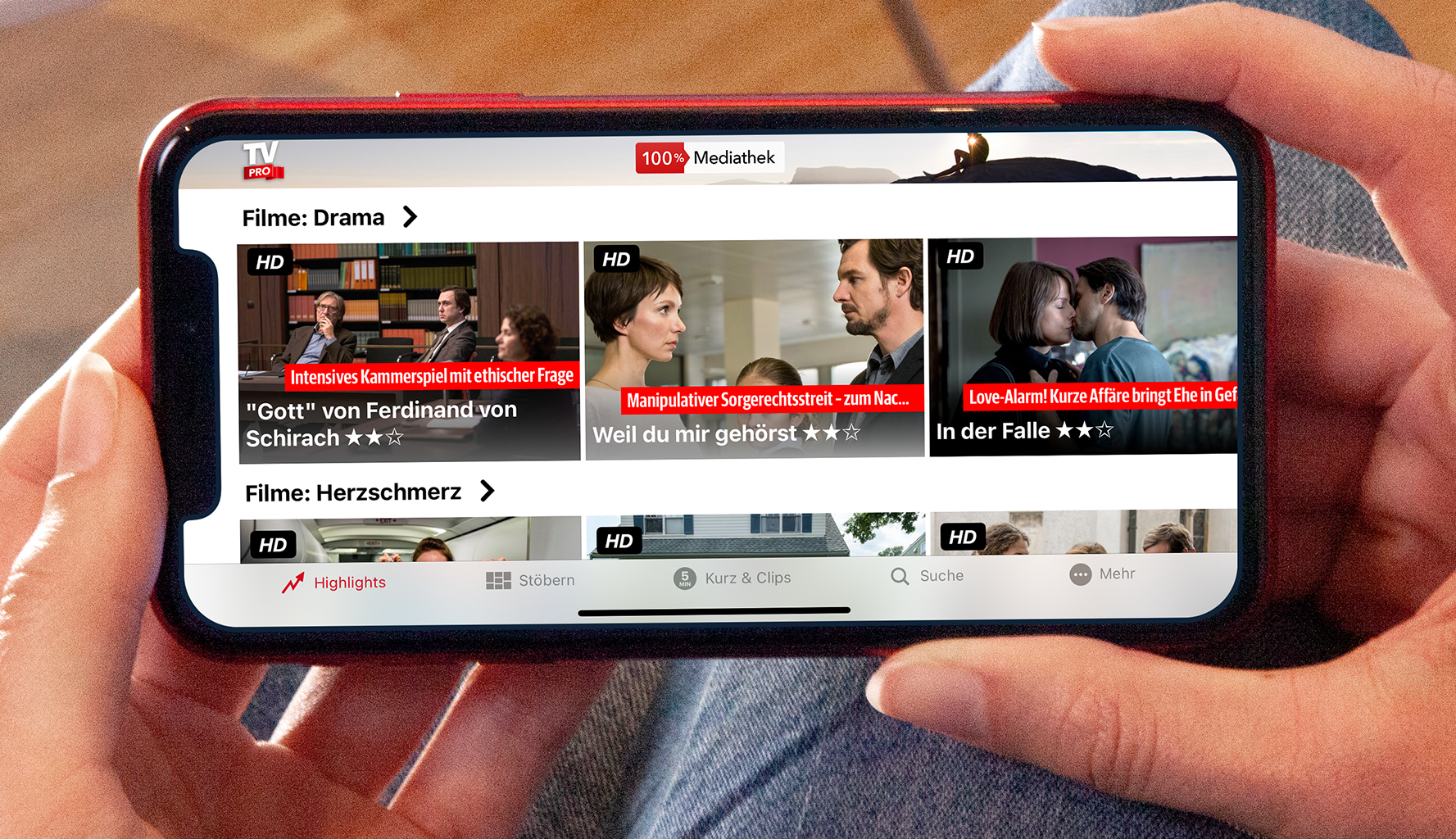
Großes Kino: Geniale Detail-Anzeige im Cinema-Style
Über Themen-Shelfs navigierst du sofort zu Lieblingsserien wie Tatort, zu großen Event-Movies oder verrückten Comedy-Flicks. Die Detail-View im Cinema-Style zeigt dir Bilder, Background-Infos, Wertungen und Darsteller.
Mediatheken-Content direkt genießen:
ohne Pre-Rolls & Werbung!
• Geniale Detail-View im Cinema-Style: Stars, Infos, Bilder
• Per Profi-Suche schnell zur Lieblingssendung
• Hochwertige Player-Engine
• Viele Sendungen in HD
• Sendungen zum Später-schauen markieren
• Tägliche Clip-Snacks mit News & Fun
• Für wahre Schätze: Download-Funktion
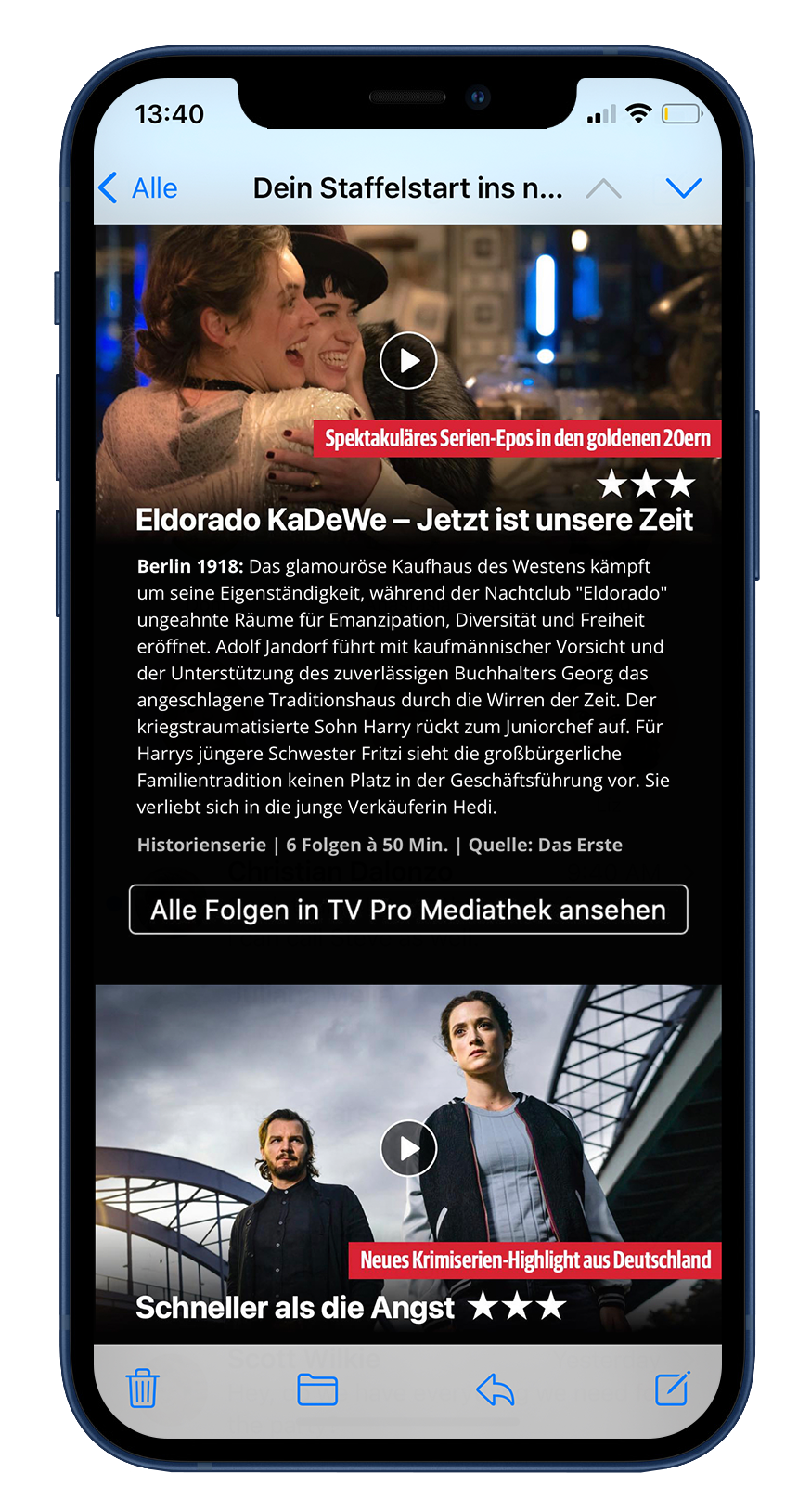
Hol dir die besten Mediathek-Tipps in dein Postfach
Wir stellen regelmäßig die Highlights aus allen Mediatheken für dich zusammen – immer zu den unterschiedlichsten Themen und pünktlich zum Wochenende.
Gleich anmelden und nichts mehr verpassen! Natürlich kannst du dich auch jederzeit mit einem Klick wieder abmelden.
Es ist ein Fehler bei der Anmeldung aufgetreten.
Bitte überprüfe deine E-Mail Adresse.
Bitte überprüfe deine E-Mail Adresse.
Vielen Dank! Bitte prüfe deinen Posteingang.
Sofern du deine E-Mail Adresse noch bestätigen musst, haben wir dir gerade eine Mail geschickt!
Sofern du deine E-Mail Adresse noch bestätigen musst, haben wir dir gerade eine Mail geschickt!