




常見問題
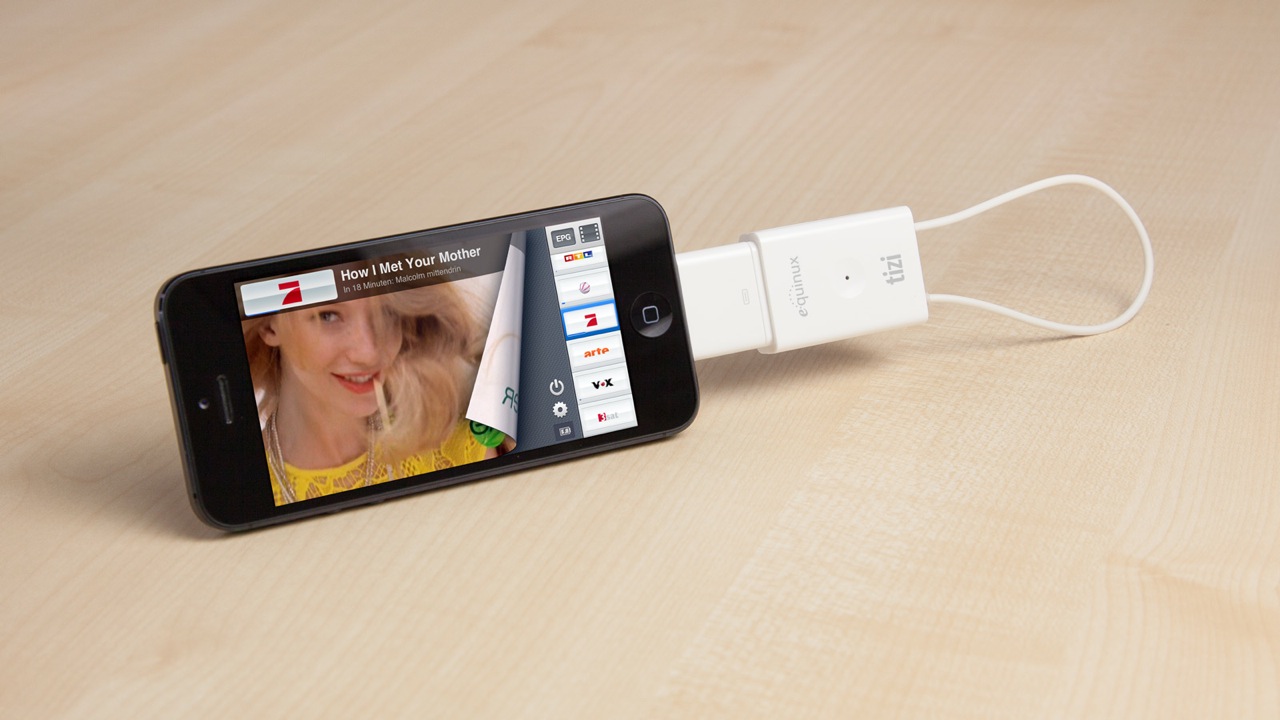
tizi go 直接連接到您的 iPad oder iPhone。柔性天線提供良好的接收效果,但不會妨礙您觀看電視的樂趣。誰希望有一根從 iPad 側面伸出的巨大天線?
由於 tizi go 是一款緊湊的設備,非常適合在旅途中觀看電視。借助柔性天線,您可以將 tizi go 放入任何包或口袋中,而不必擔心天線斷裂或丟失。
雖然天線相當堅固,但我們建議您始終抓住 tizi go 的外殼,不要拉動環形天線。
是的,如果您有 Apple TV 和 iOS 裝置,您可以使用 AirPlay Mirroring 觀看您的錄製內容或直播電視!
您需要一個穩定的網路連線才能使其正常運作。透過乙太網路電纜連接您的 Apple TV 通常是最好的選擇。
對於 tizi:
設定 tizi 以設定為 tizi@Home 模式,您可以在此處找到說明。將 tizi 連接至與您的 Apple TV 相同的網路,選擇您的頻道並開啟 AirPlay 上的鏡像。
例如,在您的 iPhone 上於 tizi.tv 上選擇您的頻道後,雙擊 iPhone 的主頁按鈕,在應用程式列上向左滑動兩次以超過音樂控制,然後點擊 AirPlay 按鈕。
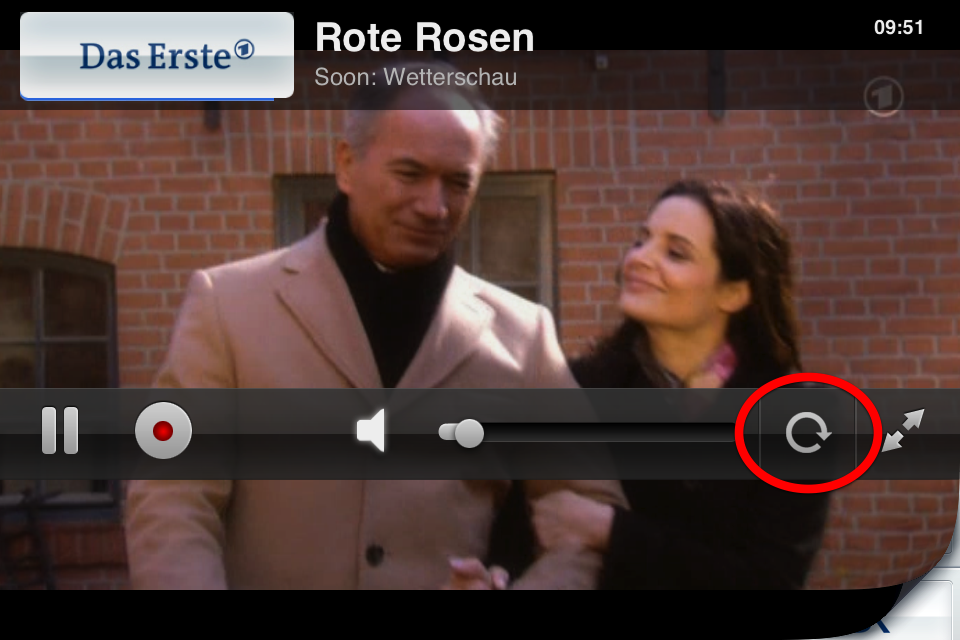
使用 tizi,您可以水平鎖定圖像,這樣在例如躺在沙發上看電視時就不會有旋轉。
要設定旋轉鎖定,請在橫向檢視中點擊旋轉符號,圖像將保持水平對齊,無論您如何握持 iPhone。
If you can't seem to find any channels in the same place you used to find lots then it may be worth just resetting the app. To do this:
- Please quit the app entirely by double clicking the home button, holding down on the tizi icon and pressing the red 'X' that appears.
- Then go to the 'Settings' app on the iPad
- Scroll down to tizi.tv > Reset App and Reset EPG > ON (both).
- Then reset your tizi as well by poking a paperclip in the little hole on its side.
您是否正在使用帶有 iOS 9 和 tizi go 的 iPhone 或 iPad?
請瀏覽我們的 網站,並使用您的 equinux ID 和密碼登入。
如果您尚未這樣做,您也可以註冊您的 tizi go。
登入後,您可以下載 tizi go 應用程式。